Skip to content

Fix

How to Fix intelppm.sys BSOD error in Windows 10

intelppm.sys is a driver file owned by Microsoft Corporation. intelppm stands for ‘Intel Processor Power Management’, which is a .sys file designed for devices with intel components/hardware. A .sys file format stores compiled system resources like configuration variables and settings required by Windows and DOS (Disk Operating System). This is a crucial system file required for the proper and stable functionality of Windows.
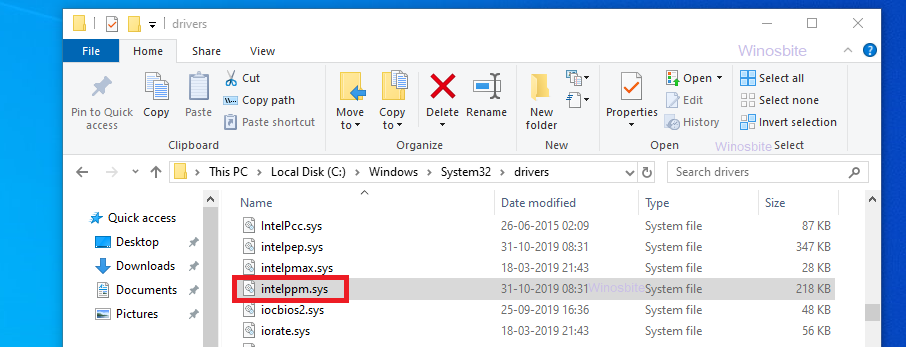
intelppm.sys file

Read More »How to Fix intelppm.sys BSOD error in Windows 10

Fix Windows Update Error 0x8024a223 in Windows 10

The 0x8024a223 is an error code faced by Windows users during the Windows update. This error won’t let you download and install the latest update, hence posing a serious threat that should not be ignored under any circumstances. Not being able to download the latest software update means you won’t get new features, improvements, bug fixes, and security patches that Microsoft has bundled in the new update for your Windows 10 operating system.

Read More »Fix Windows Update Error 0x8024a223 in Windows 10

Fix: A Fatal Error Occurred While Trying to Sysprep the Machine

Many users are complaining about an error message “A Fatal Error Occurred While Trying to Sysprep the Machine”.  Sysprep stands for System Preparation Tool. Sysprep prepares a Windows installation (Windows client and Windows Server) for imaging, allowing you to capture a customized installation. Sysprep removes PC specific information from a Windows installation, ‘generalizing’ the installation so it can be installed on different PCs. With Sysprep, you can configure the PC to boot to audit mode, where you can make additional changes or updates to your image. This tool is made for system administrators, OEM manufacturers, etc. which you can use to install Windows on multiple computers.

System Prepration Tool - A fatal error occurred while trying to sysprep the machine

Read More »Fix: A Fatal Error Occurred While Trying to Sysprep the Machine

How to Fix USB Device Not Recognized in Windows 10

Are you encountering a prompt message that says ‘USB device not recognized’? This is one of the most common errors in Windows 10, 8, 7 and is experienced by a lot of users. This error message must have appeared with a triangle warning sign when you plugged in a certain USB device in one of the USB ports. As a result of this error, you won’t be able to access or use your USB device (it can be a flash drive, external HDD/SSD, or input devices like mouse and keyboard).

USB device not recognized
Warning prompt in the taskbar system tray: USB Device Not Recognized

Read More »How to Fix USB Device Not Recognized in Windows 10

Fix ISArcEXtract error or IsDone.dll in Windows 10

IsArcExtract error is generally associated with the DLL (Dynamic Link Library) file ISDone.dll which is responsible for the extraction of large archive files for games and sometimes, Softwares. This error occurs mostly during the installation of a game on Windows, the system fails to extract a large archive that contains data files of the game. This ultimately results in an unsuccessful installation.

isarcextract error isdone.dll

Read More »Fix ISArcEXtract error or IsDone.dll in Windows 10

How to Fix SrtTrail.txt BSOD error on Windows 10

As indicated by the .txt file extension, SrtTrail.txt is a text file. This text file contains log details of an unsuccessful automatic startup repair attempt. A log file is usually a text file that keeps a record of hardware and software changes as an event. SrtTrail.txt is automatically created by Windows, so it can be treated as a system file, but it is not an essential file and it can be deleted. Also, this file is not the cause of the BSoD (Blue Screen of Death) error mentioned in this article, it is just associated with the error.

Read More »How to Fix SrtTrail.txt BSOD error on Windows 10

How to Fix Windows 10 Error Code 0x8024a206

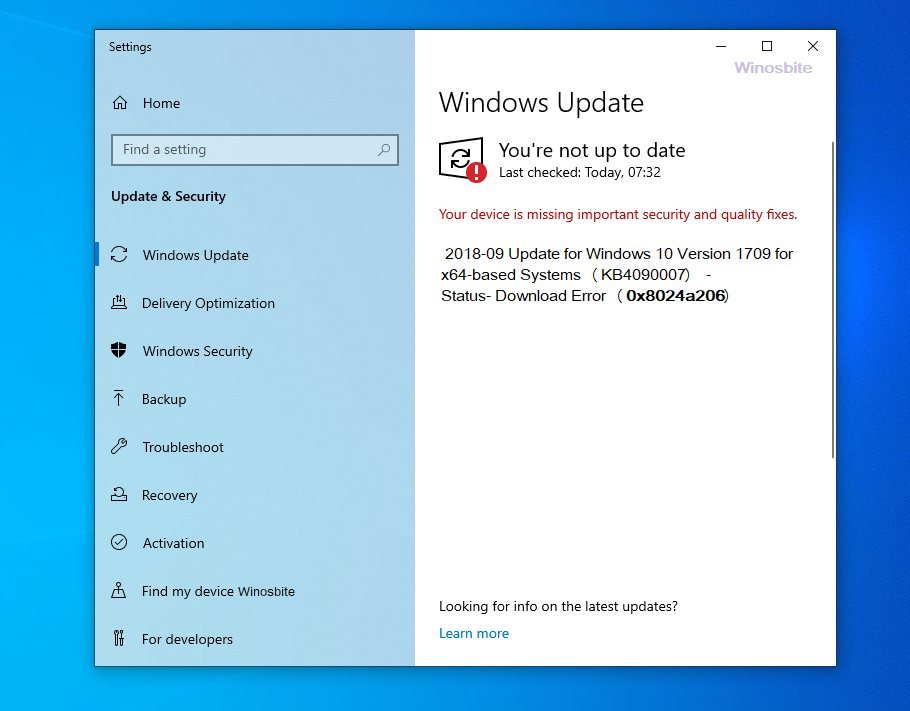
0x8024a206 is a hexadecimal error code encountered by some Windows users while trying to update the operating system. This error is seen in the Windows Update window as a download error. 0x8024a206 error should not be ignored as it prevents users from updating their system. Updating your system regularly is an important thing to do as it ensures that your PC is running with the latest features, improvements, bug fixes, and security patches.

Windows update error code 0x8024a206

Read More »How to Fix Windows 10 Error Code 0x8024a206

How to Fix Windows 10 Update Error 0x80240031

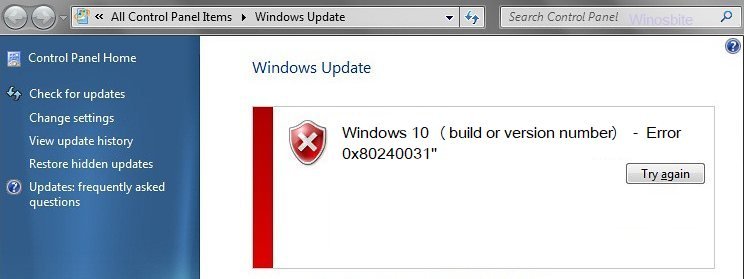
0x80240031 is an error code that is encountered by some users while trying to update their Windows 10 operating system to a newer build. This error code is seen in the Windows update application. Windows update is responsible for the delivery of software updates to your system to ensure its proper functioning. These software updates bring you the latest features, bug fixes, and security patches which play a crucial role in running your operating system without any hiccups.

Windows 10 update error 0x80240031

Read More »How to Fix Windows 10 Update Error 0x80240031